🇮🇳
9X GOA India

Wingman Pilot Logbook for Fly91 Pilots

Automatic logbook import from your ARMS roster. 30,000+ pilots across 400+ airlines. Zero manual entry.

Quick facts

Fly91 at a glance

Scheduling system
ARMS
Import method
Connect inside Wingman
Regulator
DGCA — Directorate General of Civil Aviation
Primary hub
GOX
Fleet size
6 aircraft
Headquarters
Ribandar
The integration

How Wingman works for Fly91 pilots

Just connect ARMS for Fly91 inside Wingman Pilot Logbook. You sign in once; Wingman keeps your roster in sync from there. Sectors, dates, aircraft registrations, and crew positions are parsed automatically — type rating tracking and recency calculations work out of the box.

1
Connect ARMS
Sign in to ARMS once inside Wingman Pilot Logbook.
2
Roster syncs
Wingman pulls your published roster and updates as it changes.
3
Logbook updates
All flights, aircraft, and crew positions logged automatically.
Why pilots switch

One logbook. Entire career.

Beyond automatic roster import, Wingman handles the rest of your pilot paperwork.

Bring your old logbook

Migrate every hour you've ever flown.

Using LogTen Pro, RB Logbook, CrewLounge, ForeFlight, or Excel? We migrate your entire history. Every hour, every type rating, every route.

Step-by-step guides →
Import Logbook
  • LogTen Pro
  • RB Logbook
  • CrewLounge
  • ForeFlight
  • Excel / CSV
  • Paper logbook
Always current

Licence. Medical. Currency. Handled.

Set up your expiry dates and recency rules once. Wingman tracks everything and alerts you before anything lapses.

Currency Dashboard
ValidATPL2027-08-12
ValidClass 1 Medical2027-03-22
RenewType Rating47d left
ValidNight Landings8 / 90d
ValidInstrument App.10 / 6mo
Truly worldwide

50+ export formats. Every major regulator.

Wherever your licence is issued, Wingman exports a compliant logbook for it. Moving authorities? Your data is already formatted.

Reports
Jeppesen EASA FCL GCAA Sterling CA-39 8710 ASA +43 more
🇺🇸 FAA
🇪🇺 EASA
🇬🇧 UK CAA
🇨🇦 TCCA
🇦🇪 GCAA
🇸🇦 GACA
🇮🇳 DGCA
🇸🇬 CAAS
🇦🇺 CASA
🇳🇿 NZCAA
🇭🇰 HKCAD
🇲🇾 CAAM
🇻🇳 CAAV
🇵🇦 AAC
Want it on paper too?

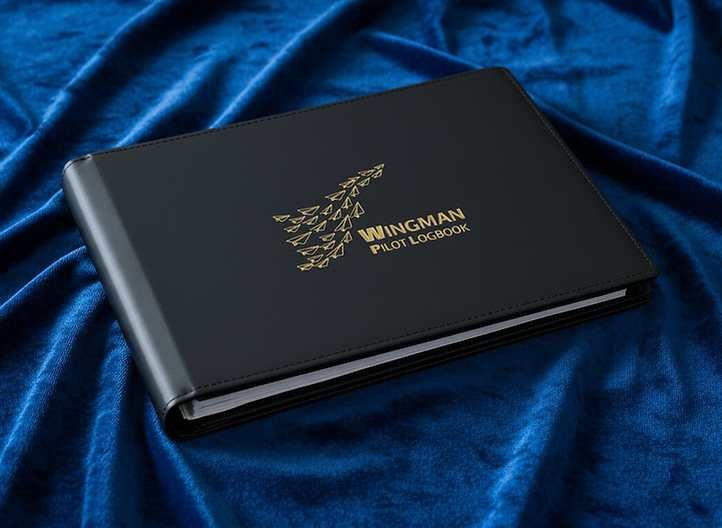
The Smart Logbook Binder.

Premium leather-bound binder. Your digital logbook, printed and ready for signature — delivered to your door. Pages auto-generate from your Wingman data.

See the binder →
Wingman Smart Logbook Binder
Premium leather
Auto-printed
Worldwide delivery
Compliance

Regulatory framework

📋
Fly91 pilots fly under DGCA

Wingman exports a fully compliant logbook for the Directorate General of Civil Aviation. Required fields, currency calculations, and revalidation reports are all built in — no separate spreadsheet, no manual reconciliation at audit.

See the DGCA compliance guide →
Frequently asked

Questions from Fly91 pilots

Does Wingman import Fly91's rosters automatically?
Yes. Just connect ARMS for Fly91 inside Wingman Pilot Logbook. Sign in once and your roster syncs automatically — sectors, dates, aircraft registrations, and crew positions are logged with no manual entry per flight.
Is Wingman approved for DGCA compliance?
Wingman supports DGCA logbook formats including required fields, calculations, and export options. India-based pilots can use Wingman as their primary digital logbook for licence revalidation, training records, and audit purposes. See the DGCA compliance guide at https://guides.wingmanlog.in/dgca-pilot-logbook-india.
How do Fly91 pilots import their roster into Wingman?
Open Wingman Pilot Logbook → Settings → Roster Sources → select Fly91 and sign in with your ARMS credentials. From then on, every published roster appears in your logbook within seconds — no monthly file download, no manual action per duty. If your password changes, re-authenticate once in Settings and syncing resumes.
What if I move from Fly91 to another airline?
Your logbook stays with you. Wingman supports migration to and from all major roster systems and exports in regulator-specific formats (DGCA, FAA, EASA, GCAA, CAAS, CASA, and more). Career history survives every airline change with no re-logging.

Your logbook, sorted.

Free to start. No credit card required. ARMS import works on day one.

Related

Explore further

More airlines

Other airlines in India